I like pie.
And I’ve learned that if I want a pie done right, I gotta do it myself.
Somewhere along my pilgrimage to pie perfection, I began taking a photo of each bake — pic or it didn’t happen.
Despite all my rhetoric for “owning your own content”, I’ve hypocritically used Instagram to do the deed.
Which has inexorably lead me to this moment: I want an archive of all the pie pics I’ve snapped.
So I took the time to build and publish my best subdomain yet:
pies.jim-nielsen.com
How It Works
Programmatically, pulling pictures from Instagram used to be easy because they had APIs (access tokens expiring like every 60 days was annoying though). However, those APIs have been deprecated. Now if I want to pull data out of Instagram, I have to use their GUI export tools.
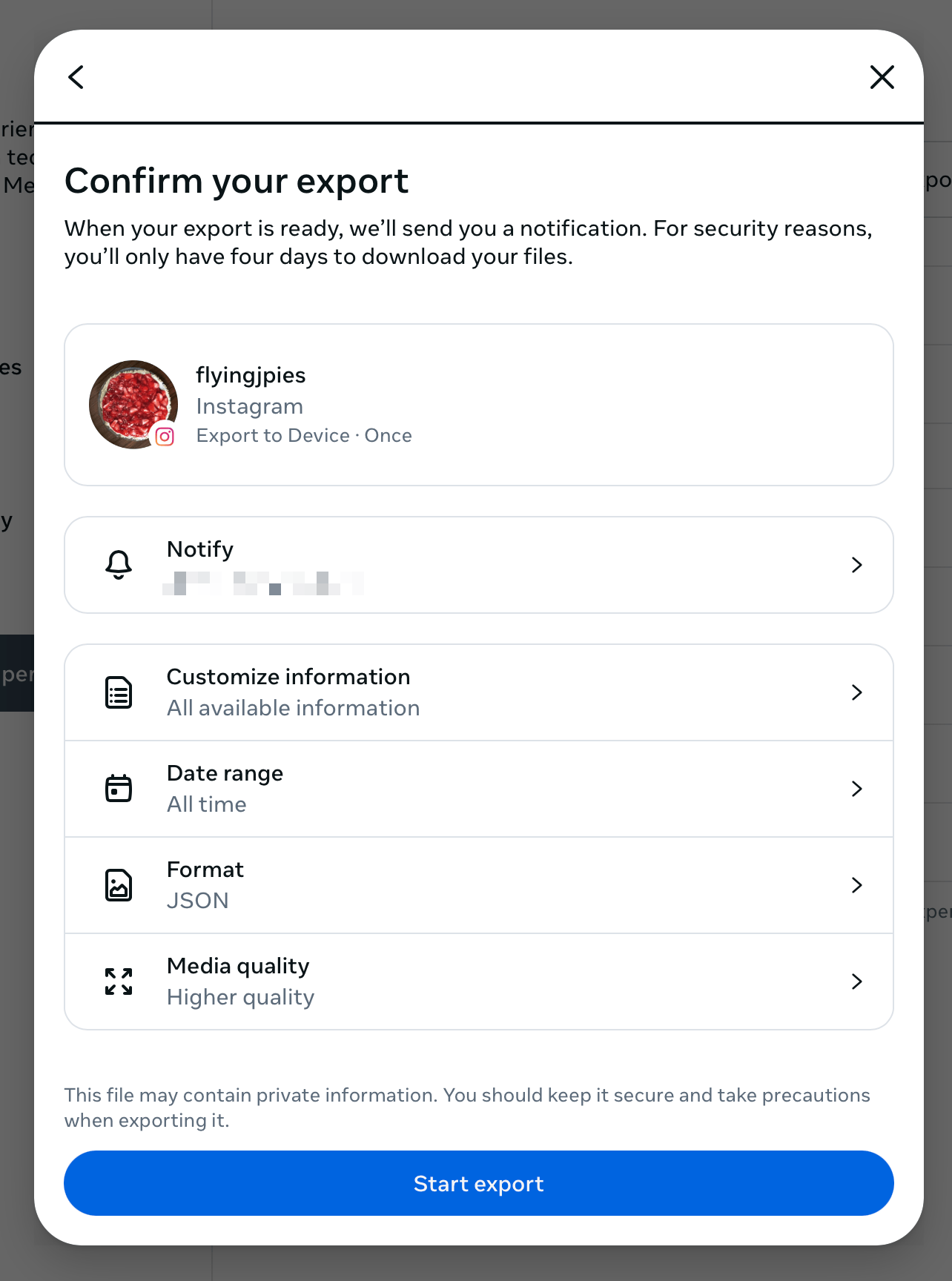
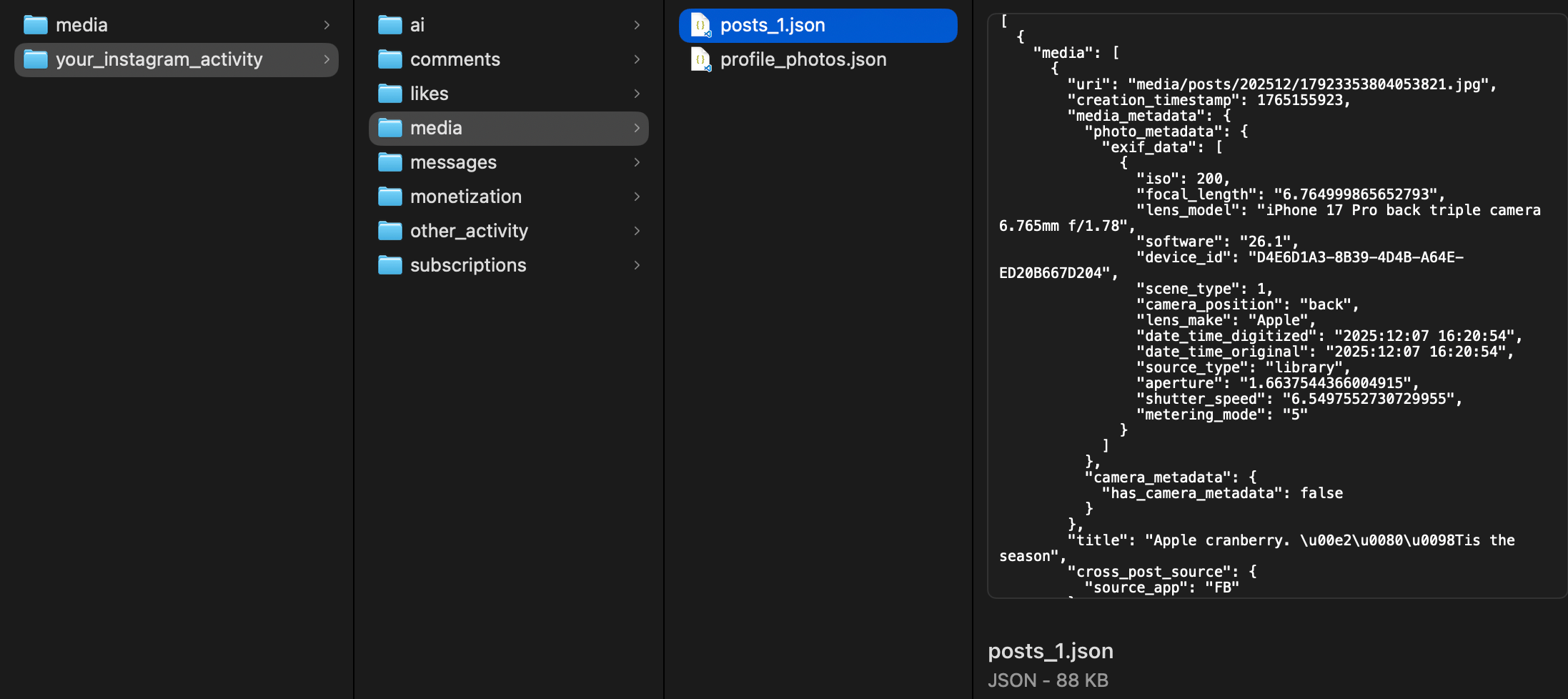
Once the archive is ready, they send me a link. I download the archive and open the .zip file which results in a collection of disparate JSON files representing data like comments, likes, messages, pictures, etc.
I don’t care about most of those files. I just want pictures and captions. So I crafted an Origami script that pulls all that data out of the archive and puts it into a single directory: pictures, named by date, with a feed.json file to enumerate all the photos and their captions.
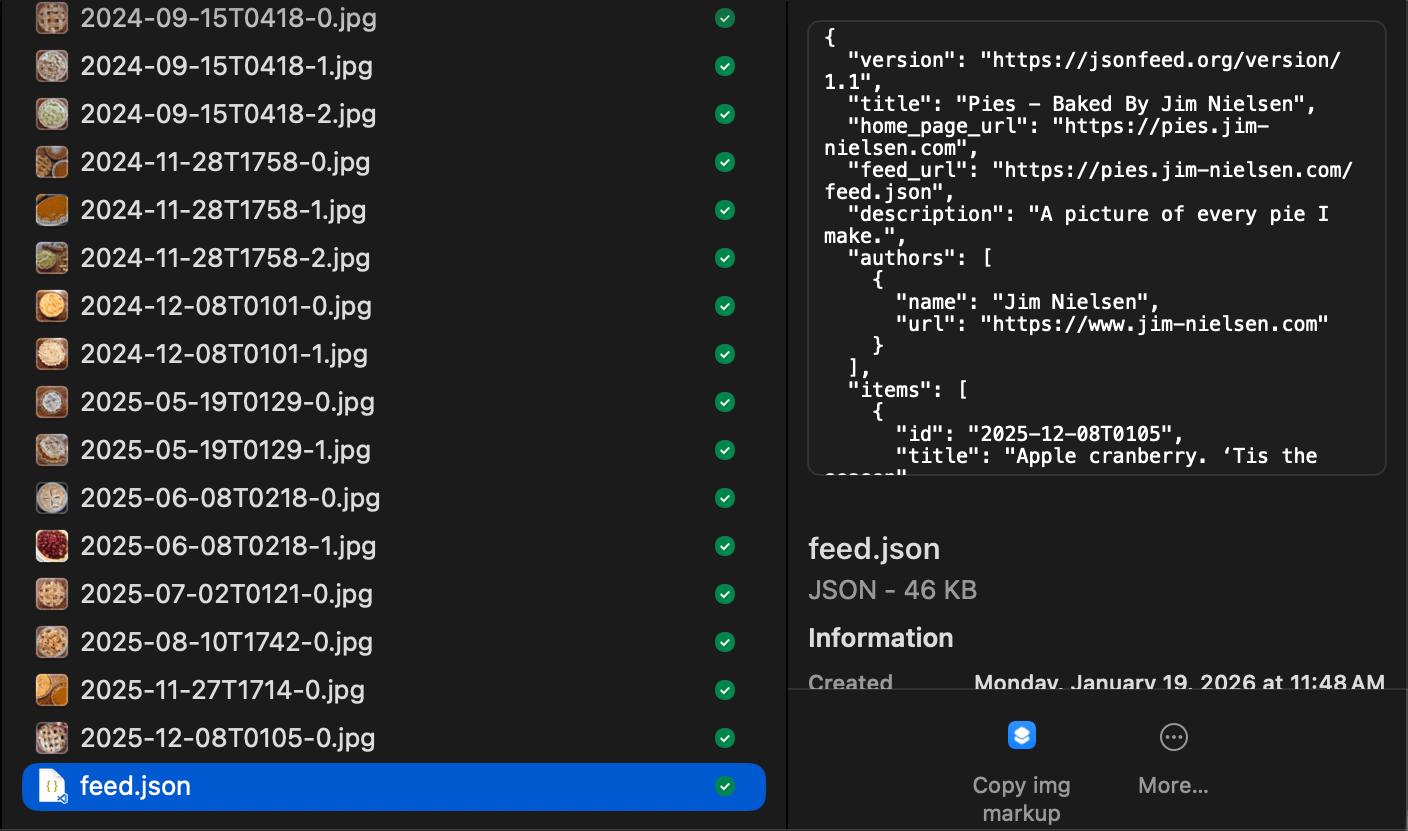
At this point, I have an “archive” of all my data. This is what I stick on my CDN. (I'm hoping Instagram keeps the structure of this .zip consistent over time, that way I can update my archive every few months by just logging in, asking for a new export, and running my script.)
From here, I have a separate collection of files that uses this archive as the basis for making a webpage. I use Web Origami as my static site generator, which pulls the feed.json file from my CDN and turns all the data in that file into an HTML web page (and all the <img> tags reference the archive I put on my CDN).
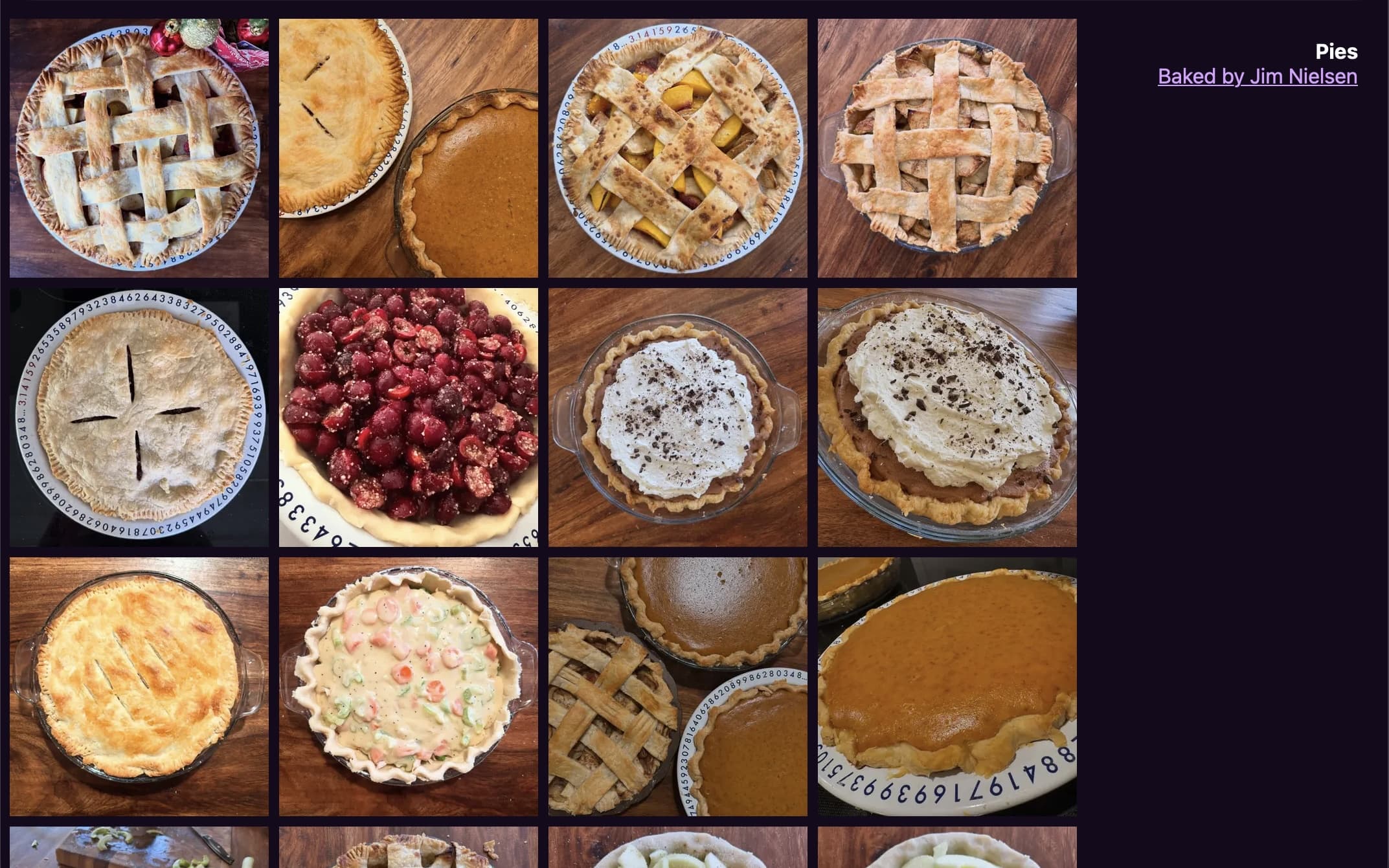
That’s it! The code’s on GitHub if you want to take a peak, or check out the final product at pies.jim-nielsen.com