A Brief History of App Icons From Apple’s Creator Studio
I recently updated my collection of macOS icons to include Apple’s new “Creator Studio” family of icons.
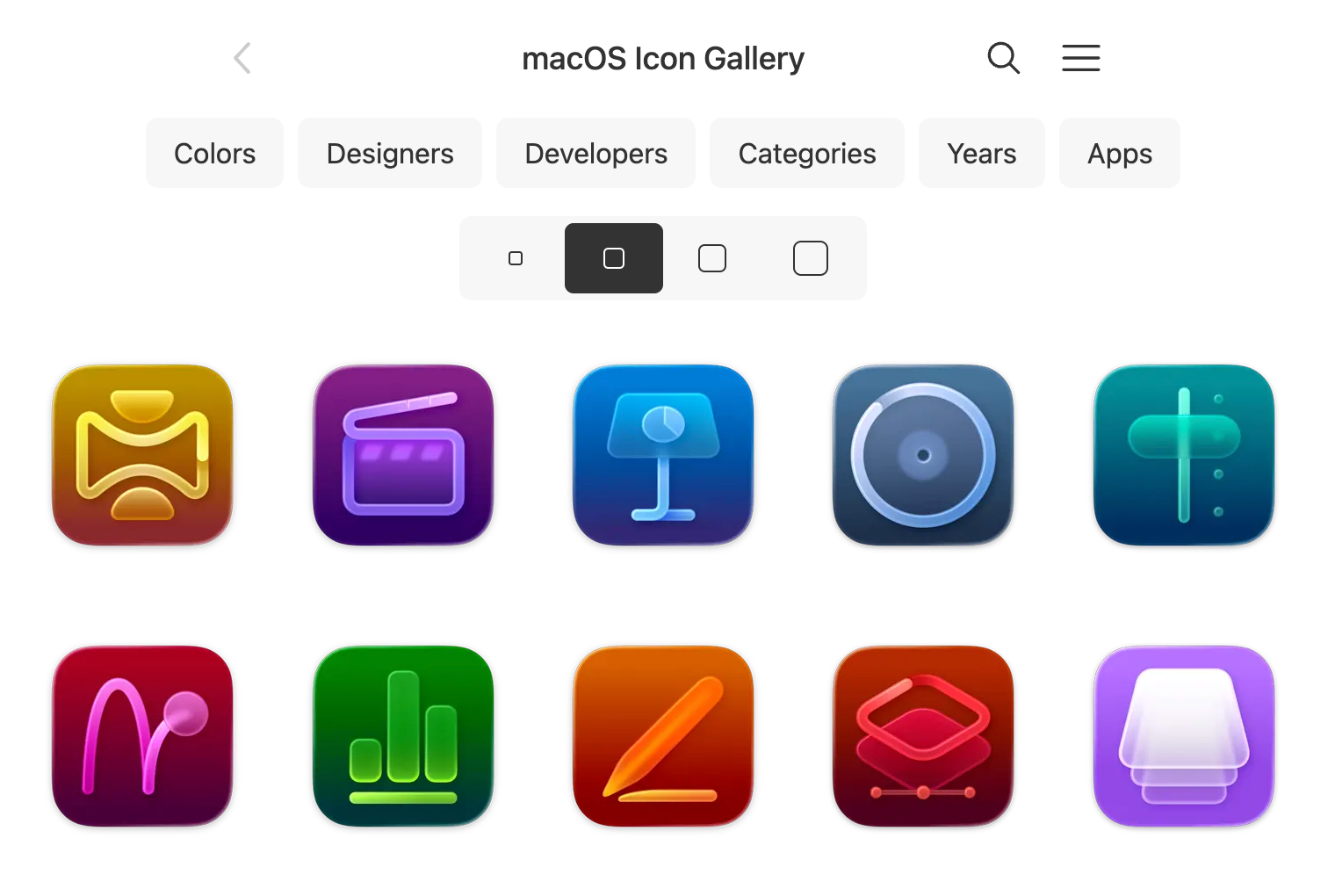
Doing this — in tandem with seeing funny things like this post on Mastodon — got me thinking about the history of these icons.
I built a feature on my icon gallery sites that’s useful for comparing icons over time. For example, here’s Keynote:
(Unfortunately, the newest Keynote isn’t part of that collection because I have them linked in my data by their App Store ID and it’s not the same ID anymore for the Creator Studio app — I’m going to have to look at addressing that somehow so they all show up together in my collection.)
That’s one useful way of looking at these icons. But I wanted to see them side-by-side, so I dug them all up.
Now, my collection of macOS icons isn’t complete. It doesn’t show every variant since the beginning of time, but it’s still interesting to see what’s changed within my own collection.
So, without further ado, I present the variants in my collection. The years labeled in the screenshots represent the year in which I added the to my collection (not necessarily the year that Apple changed them).
For convenience, I’ve included a link to the screenshot of icons as they exist in my collection (how I made that page, if you’re interested).
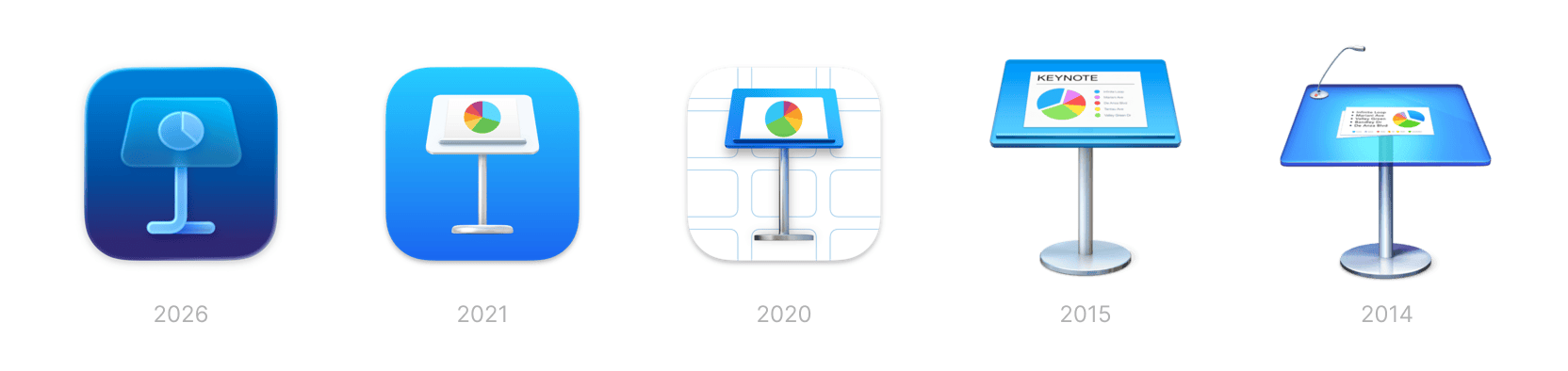
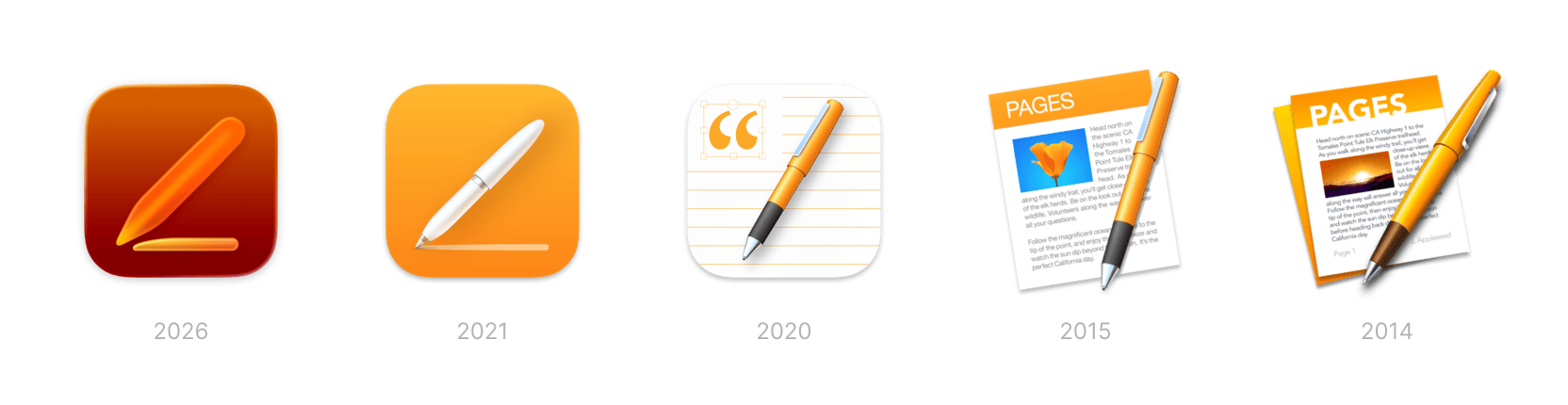
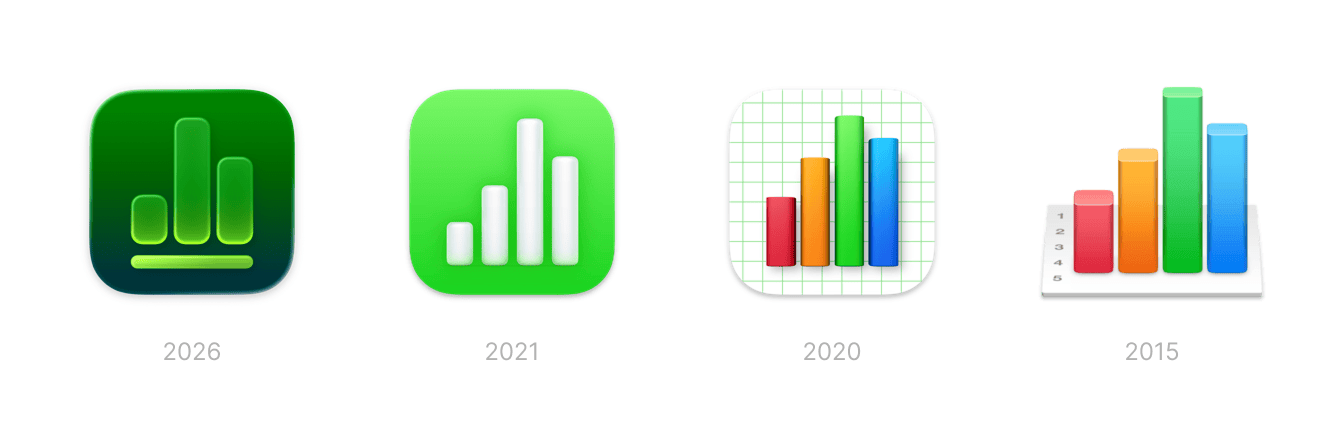
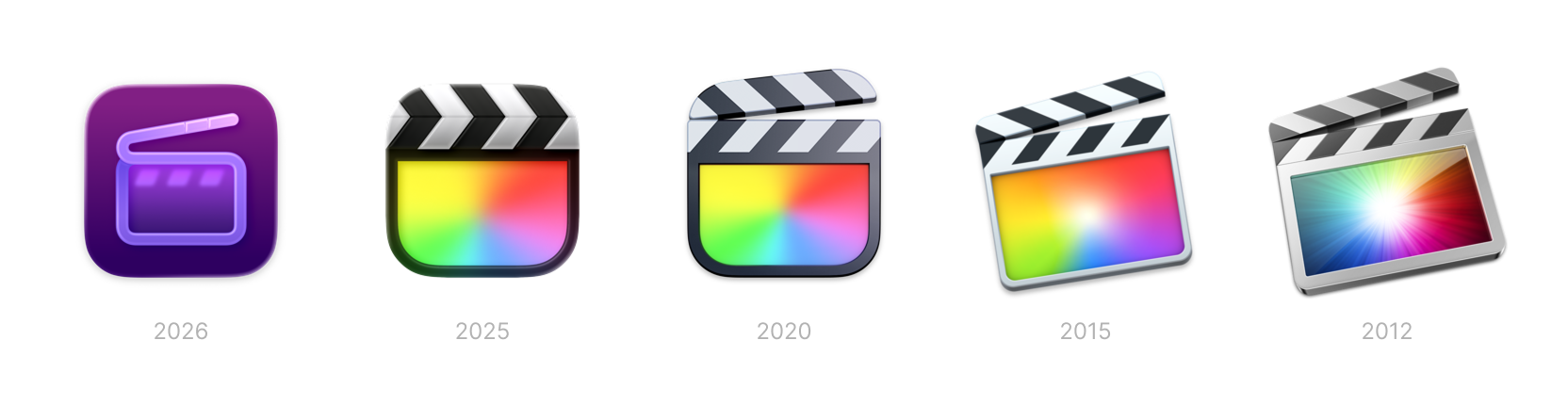
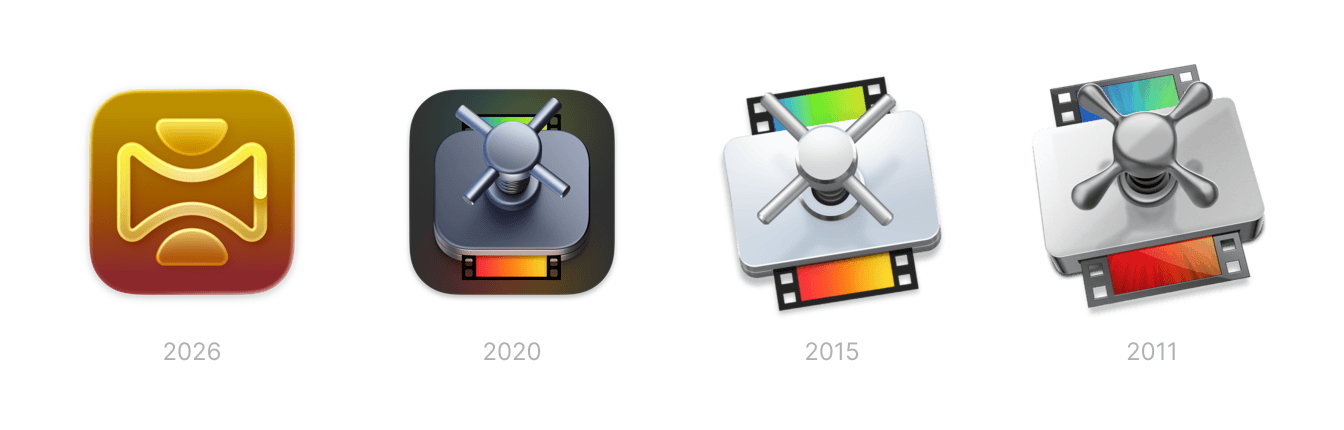
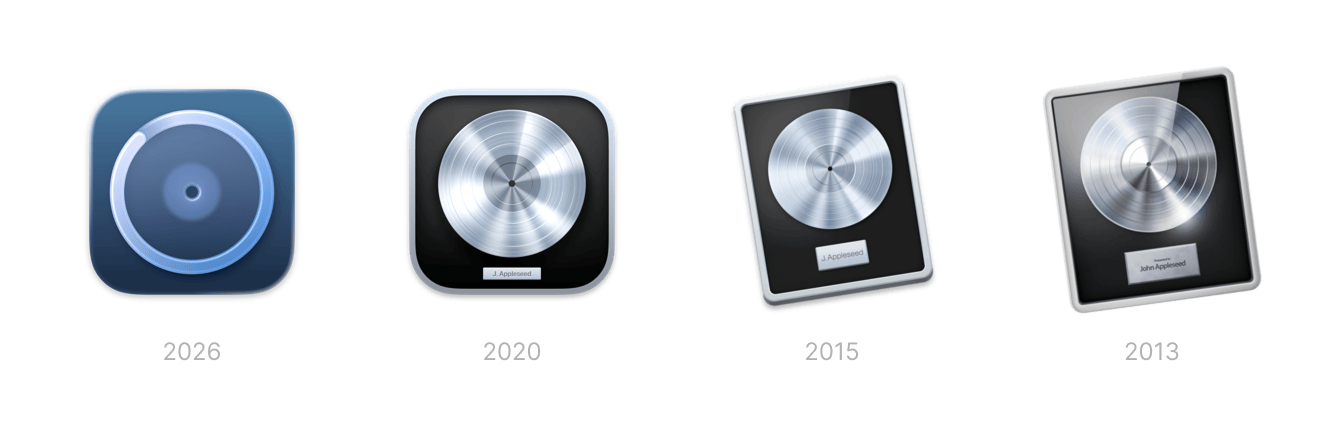
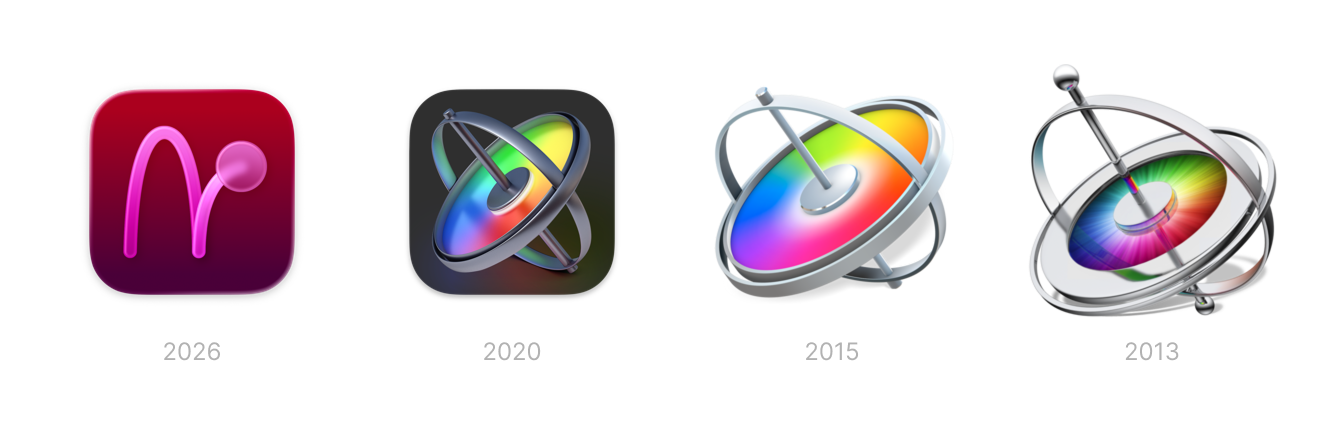
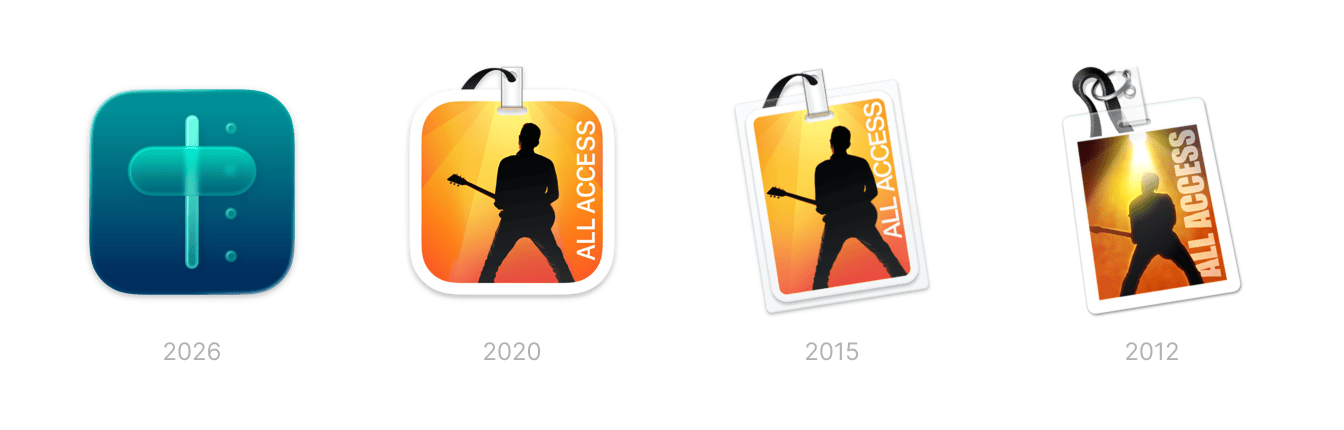
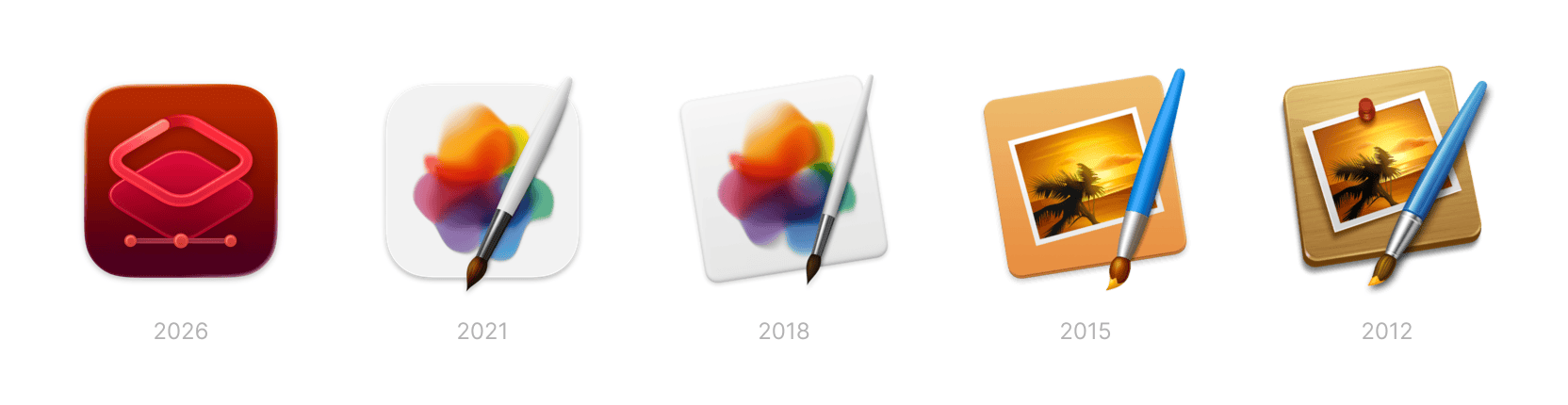
(Granted, Pixelmator wasn’t one of Apple’s own apps until recently but its changes follow the same pattern showing how Apple sets the tone for itself as well as the ecosystem.)
One last non-visual thing I noticed while looking through these icons in my archive. Apple used to call their own apps in the App Store by their name, e.g. “Keynote”. But now Apple seems to have latched on to what the ecosystem does by attaching a description to the name of the app, e.g. “Keynote: Design Presentations”.
- Keynote -> Keynote: Design Presentations
- Pages -> Pages: Create Documents
- Numbers -> Numbers: Make Spreadsheets
- Final Cut Pro -> Final Cut Pro: Create Video
- Compressor -> Compressor: Encode Media
- Logic Pro -> Logic Pro: Make Music
- MainStage -> MainStage: Perform Live
- Pixelmator Pro -> Pixelmator Pro: Edit Images