Something’s Rotten in the State of macOS Icon Design
This is an iconic observation:
If you put the Apple icons in reverse it looks like the portfolio of someone getting really really good at icon design
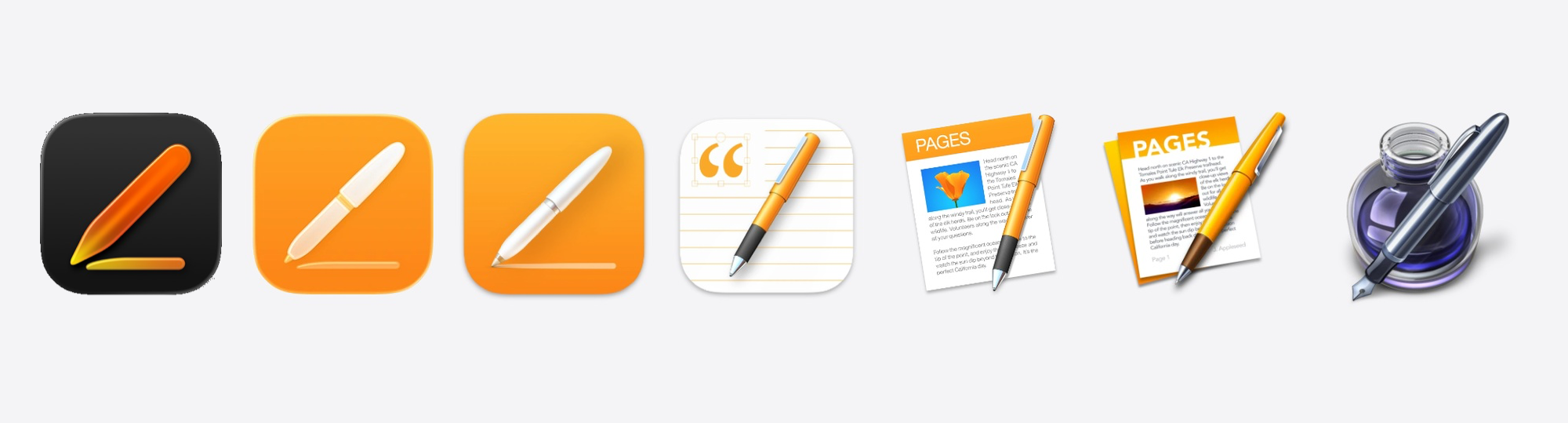
This isn’t, however, just the story of Apple’s Creator Studio icons. It’s the unfolding story of icon design across the entire macOS platform.
For example, take a look at some of Apple’s other apps like iMovie:

Or Remote Desktop:

Apple sets the standard (and the rules) for how icons look on the Mac. Wherever they go, so goes the ecosystem — and they’re taking the entire ecosystem along down with them.
It’s fast becoming the case that if you put any Mac app’s icons in reverse, it looks like the portfolio of someone getting really, really good at icon design.
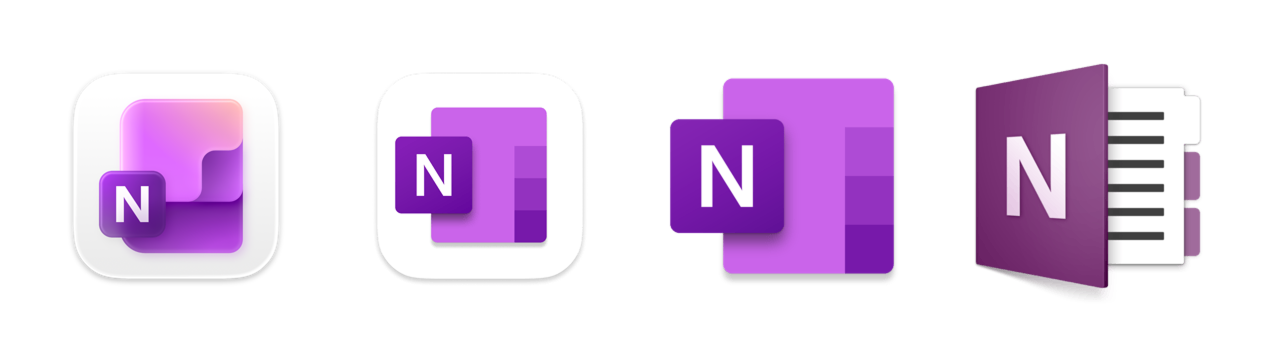
Even Microsoft — not exactly a bastion of design — starts to look pretty decent with their icons the further back you go. For example, with OneNote, the app icon’s progression looks like it went something like this:
- “I made this with AI”
- “I tried to make the AI one, but by hand myself”
- “I don’t need to be constrained by this squircle”
- “Hey, I’m getting better at this”
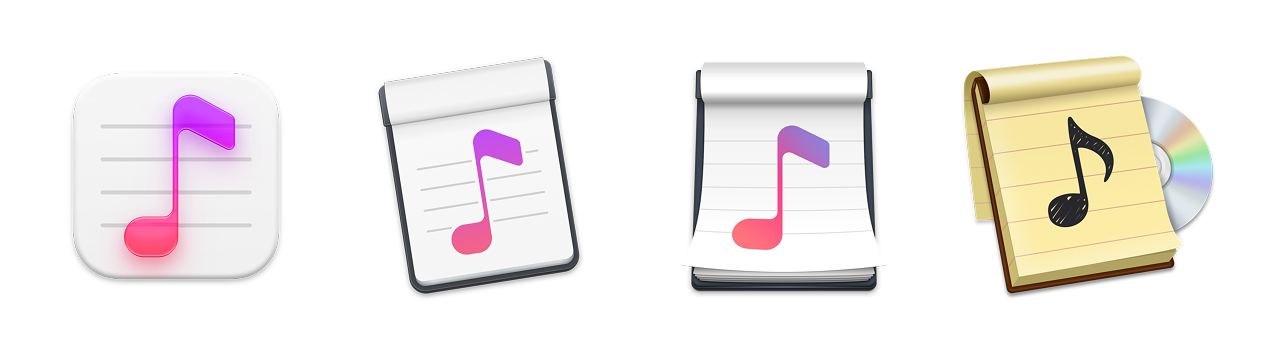
Some 3rd-party apps continue to fight a good fight, even as Apple’s definition of what an icon should be — or what’s even possible — shrinks all around them.
Apps like Capo (remember, these are reverse chronological):
Or BBEdit:

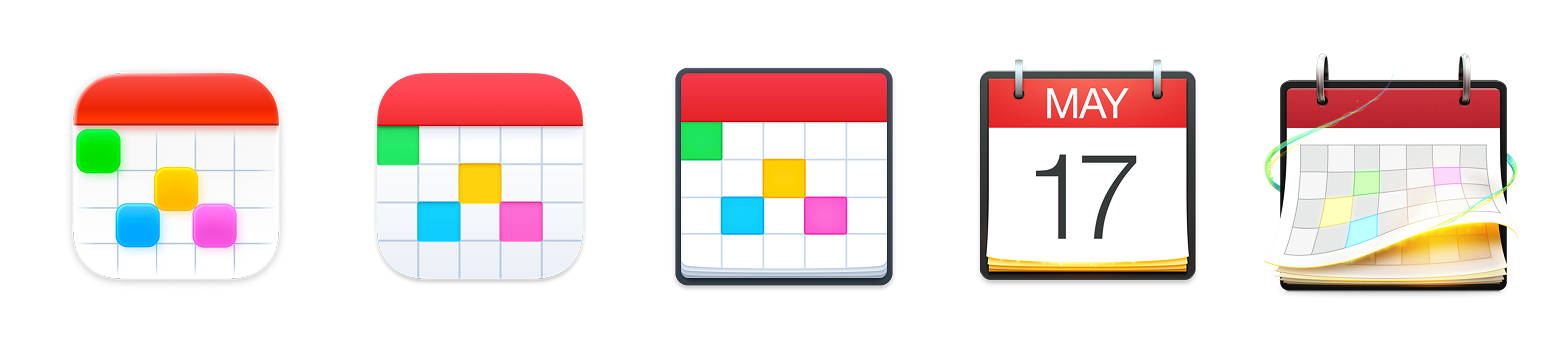
Or Fantastical:
Or Cot Editor:
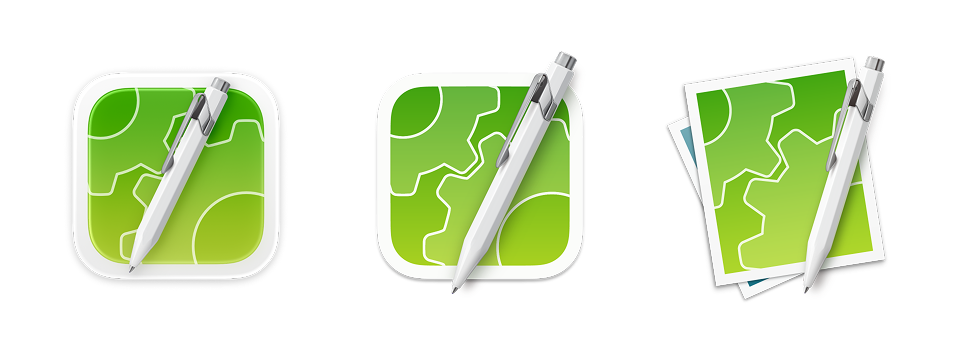
Everyone’s being put in a box squircle. The imposition is real.
I don’t blame any of the 3rd-party app makers. Their designs have to play by Apple’s rules (or end up in icon jail). World-class designers like Matthew Skiles or The Iconfactory are still out there striving for excellence, even as they’re hamstrung by the Mac’s latest rules.
When it comes to icon design on the Mac, the sky is no longer the limit: Apple’s icon design sensibilities are. They set the examples of what world-class icon design should look like, but what do you do when the examples are no longer exemplary?